
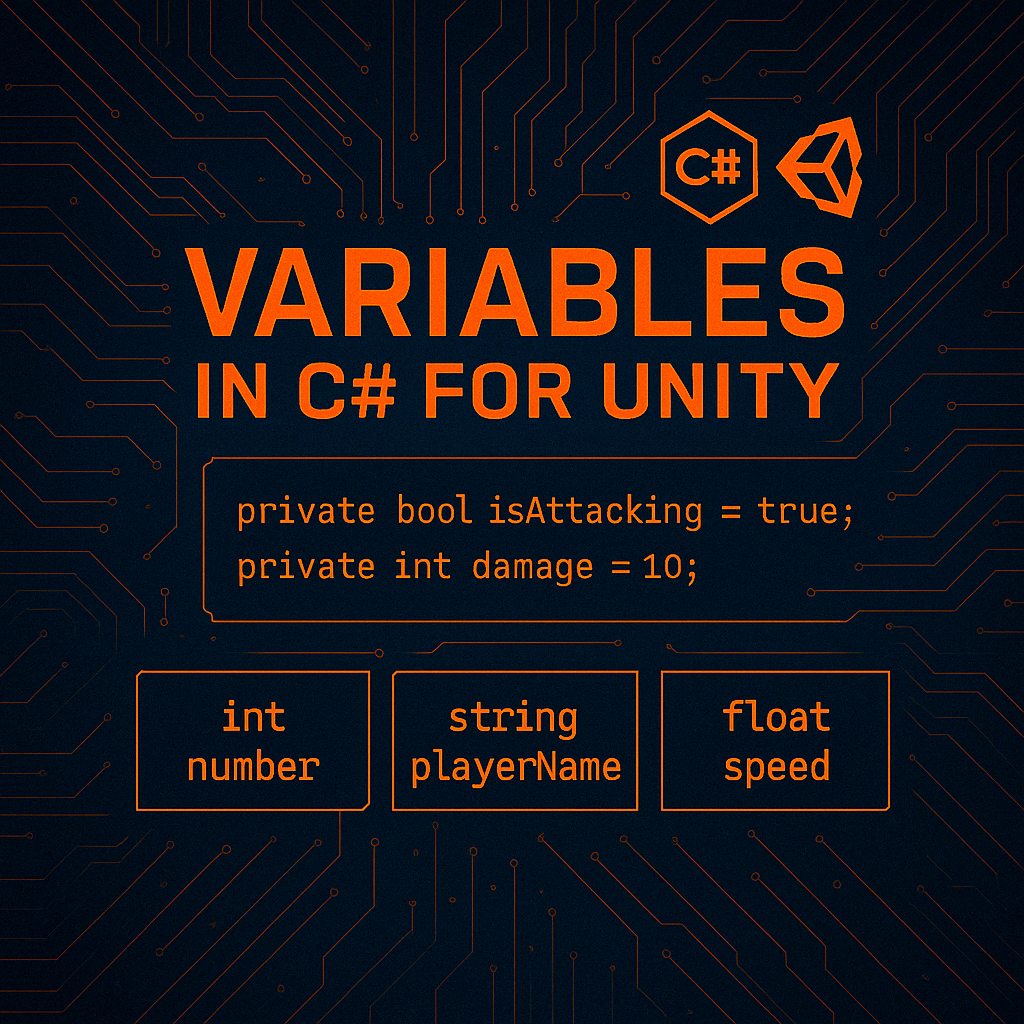
Variables & Data Types
More About Data Types
When you first start learning to code, you’re introduced to a strange world of keywords and rules. Among the earliest and most important concepts is something called a data type. It might sound technical or abstract at first, but the truth is: data types are just a way of telling your program what kind of thing you’re working with.
Imagine you’re organizing items in your backpack. Some are coins, some are tools, some are scrolls with messages. You wouldn’t store a heavy axe in the same pouch you keep your healing potions. Just like in real life, your code needs a way to organize and differentiate the kinds of things it’s dealing with. That’s what data types do — they define the shape, behavior, and constraints of a value.
In C#, which is the primary language of Unity development, everything revolves around data types. Every variable you create — whether it holds a number, a piece of text, a yes-or-no condition, or a reference to a GameObject in your scene — has a data type. And that type determines what the variable can hold, how it behaves, and what operations you can perform on it.
At first glance, data types seem like small details — just things you have to get right so your code doesn’t throw errors. But in reality, they represent the foundation of structured thinking in programming.
They help you:
- Prevent mistakes before your game runs. If you try to divide a string of text by a number, the compiler will stop you immediately.
- Store data efficiently. Computers care about memory. Choosing the correct type helps manage that usage.
- Make your intentions clear. When you write
int score = 500;you’re telling future readers (including yourself) exactly what kind of valuescoreis.
In Unity, data types are essential for working with everything from your player’s health and position, to inventory systems, timers, animations, and user interfaces. Without them, your game wouldn’t know how to store or manipulate the information it needs to run.
The first type you’ll likely encounter is an int. Short for integer, this simply means a whole number — no decimals allowed. You’d use it to track things like a player’s score, level, or remaining lives.
Next is the float, which represents a decimal number. This is crucial for things like movement speed, time counters, and health values that change gradually. In C#, floats require an f at the end, like 3.5f, to tell the system that it’s not a double-precision number.
Then comes bool, which is short for boolean — a value that can only be true or false. This is one of the most powerful and underappreciated data types. It drives logic. Is the player alive? Is the enemy alert? Is the item equipped? Booleans make these kinds of conditions possible.
Another common type is string, which holds sequences of characters — in other words, text. Strings are used for player names, dialogue, tooltips, and so much more. You define them using double quotes: "Aria" or "Press E to interact."
If you’re working in 3D space — and you almost always are in Unity — you’ll also encounter Vector3. This isn’t a basic data type, but it’s a core part of Unity’s toolkit. A Vector3 holds three float values (X, Y, Z) and is used for positions, rotations, directions, and movement.
Unity also uses custom types like GameObject, Transform, Rigidbody, and others. These are not primitive types like int or bool, but rather class-based types — containers of behavior and data that are tied to objects in your game.
Let’s say you’re building a player controller script. You’ll need to know their current health (likely a float), whether they’re currently sprinting (bool), and what their name is (string). When they level up, you might store that in an int, and give them increased stats using a method that modifies those values.
Or maybe you’re writing an enemy spawner. You’d use int waveNumber, float spawnInterval, and a List<GameObject> to keep track of all the enemies you’ve spawned.
In all of these cases, the data type defines not just the storage, but the logic you can build around it. If you misunderstand the type — or worse, ignore it — your system becomes unstable, unpredictable, or just plain broken.
Learning data types isn’t about memorizing definitions. It’s about learning to think like a developer. It’s about recognizing that everything in a game — from a bullet’s speed to a dialogue choice to a weather condition — has a shape and a meaning in code.
Once you understand how to use and combine data types, you unlock the ability to build real systems: health bars, XP trackers, quest logs, combat damage, inventory menus, crafting combinations, and more. Every single one of those systems starts with a proper understanding of what kind of data you’re working with.
Data types are the grammar of programming. If methods are sentences, and interfaces are structure, then data types are the nouns and adjectives that make those sentences meaningful.
// EXAMPLES:
int health = 100;
float movementSpeed = 1.5f;
string playerName = "Aria";
char letterGrade = 'A';
bool isAlive = true;
int stands for integer. int means: “This is a whole number.”
float stands for floating point number. float means “I can store a decimal number.”
string means: “This is a chunk of text.”
char is short for character. char stores a single letter.
bool stands for Boolean. Booleans store either true or false.
These are all data types–the building blocks of your code.
Why Data Types Matter
Data types are important because they:
- Prevent bugs (can’t divide a string by a float)
- Help the computer store memory efficiently
- Let the compiler give you better suggestions and errors
- Improve clarity: your teammates (or future-you) understand the variable’s purpose
In Unity, this also helps with:
- UI (text vs numbers vs images)
- Saving and loading data
- ScriptableObject fields
- Inspector display
Common Data Types in C#
Int — Whole Numbers
int score = 500;
int playerLevel = 3;
int lives = 0;
Float — Decimal Numbers
- Use for: counting, levels, inventory amounts
- Can’t store decimals (3.5 will error)
float speed = 5.75f;
float gravity = -9.81f;- Must add f at the end (ex: 2.0f)
- Use for: movement, physics, time, health bars
Bool — True or False
bool isJumping = true;
bool hasKey = false;
bool canAttack = true;- Use for: game states, flags, switches, conditions
String — Text
string playerName = "Zara";
string message = "You Win!";- Use for: names, dialogue, file paths, UI
- Wrapped in double quotes
Char — Single Character
char grade = 'A';- Rarely used in game dev (strings preferred)
- Must use single quotes: ‘X’
Vector3 — Position, Rotation, and Direction
Vector3 moveDirection = new Vector3(0, 0, 1);
Vector3 objectRotation = new Vector3(0, -90, 0);- Unity-specific: 3D coordinates (x, y, z)
- Used for movement, rotation, physics
GameObject, Transform, Rigidbody, etc.
GameObject enemy;
Transform spawnPoint;
Rigidbody rb;- Unity engine types (capitalized)
- These hold references to scene objects/components
List<T> — Collection of Things
List<string> inventory new List<string>();- Holds multiple values of a type
- Great for inventory, quest logs, waves of enemies
Less Common, But Useful
//__TYPE____//____USE CASE___________________________||
double      //  Like float, but more precision       ||
            //  (Rarely needed in Unity)             ||
decimal     //  Used for money (not physics!)        ||
byte        //  Small storage (0-255)                ||
enum        //  Named list of options                ||
            //  (e.g. GameState, Character States)   ||
object      //  Generic container (rare in Unity)    ||
//___________________________________________________||
Type-Specific Rules
int can’t store decimals
int x = 3.5; // -> ERROR!!!

int x = 3; // Correct
float x = 3.5f; // Correct
float has to have f after value
float speed = 2.0; // ERROR!!!

float speed = 2.0f // Correct
string uses quotes
string name = Zara; // ERROR!!!
string name = 'Zara'; // ERROR!!!

string name = "Zara"; // Correct
bool is only true or false
bool happy = yes; // ERROR!!!
bool alive = no; // ERROR!!!

bool happy = true; // Correct
bool alive = false; // Correct